Key takeaways
- Restaurant billing software handles orders, KOT, tables, online orders and GST bills from one screen, which a normal shop billing app cannot do.
- Most restaurants charge 5% GST without ITC (2.5% CGST + 2.5% SGST); only restaurants in hotels with rooms above ₹7,500 a night charge 18% with ITC.
- Zomato and Swiggy pay GST on orders made through their apps, so your software should record those orders separately.
- A full restaurant POS usually costs about ₹8,000–₹15,000 per outlet a year, plus add-ons and ₹15,000–₹50,000 for hardware.
- Test the demo with your own menu and your own waiters, and pull out the internet cable to check that it works offline.
It is 8:30 on a Saturday night. Every table is full. A waiter shouts an order to the kitchen, the Zomato tablet beeps, a Swiggy rider is waiting at the door, and table 4 says their bill is wrong. Sound familiar?
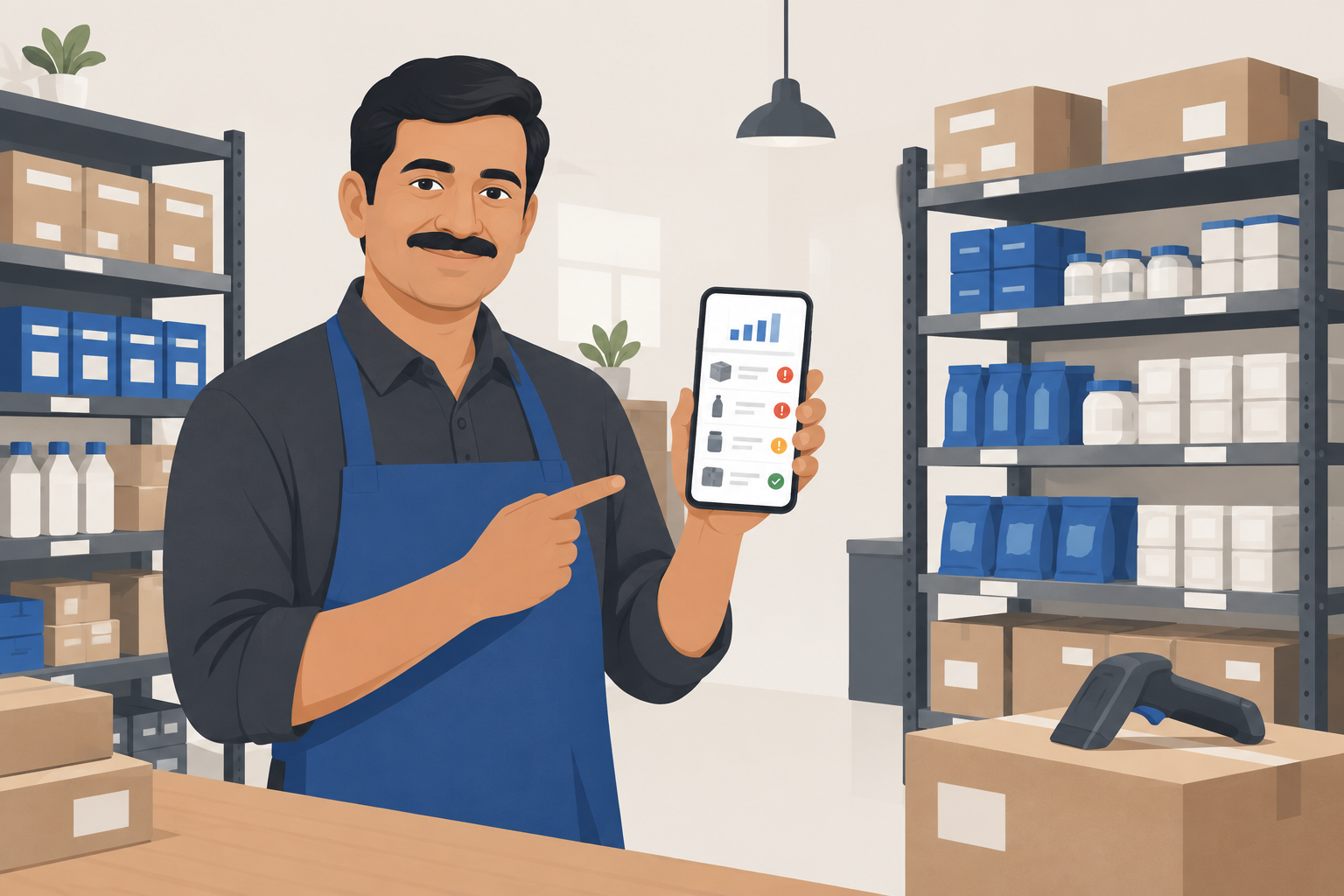
Restaurant billing software fixes this. It takes the order, sends it to the kitchen, adds the right GST, prints the bill and keeps a record of every rupee, all from one screen. About 2,400 people in India search for it every month, so you are not the only owner looking.
This guide explains everything in simple words: what restaurant billing software does, the features that really matter, the GST rules for restaurant bills, what it costs in India in 2026, and how to choose one without regret.
What Is Restaurant Billing Software?#
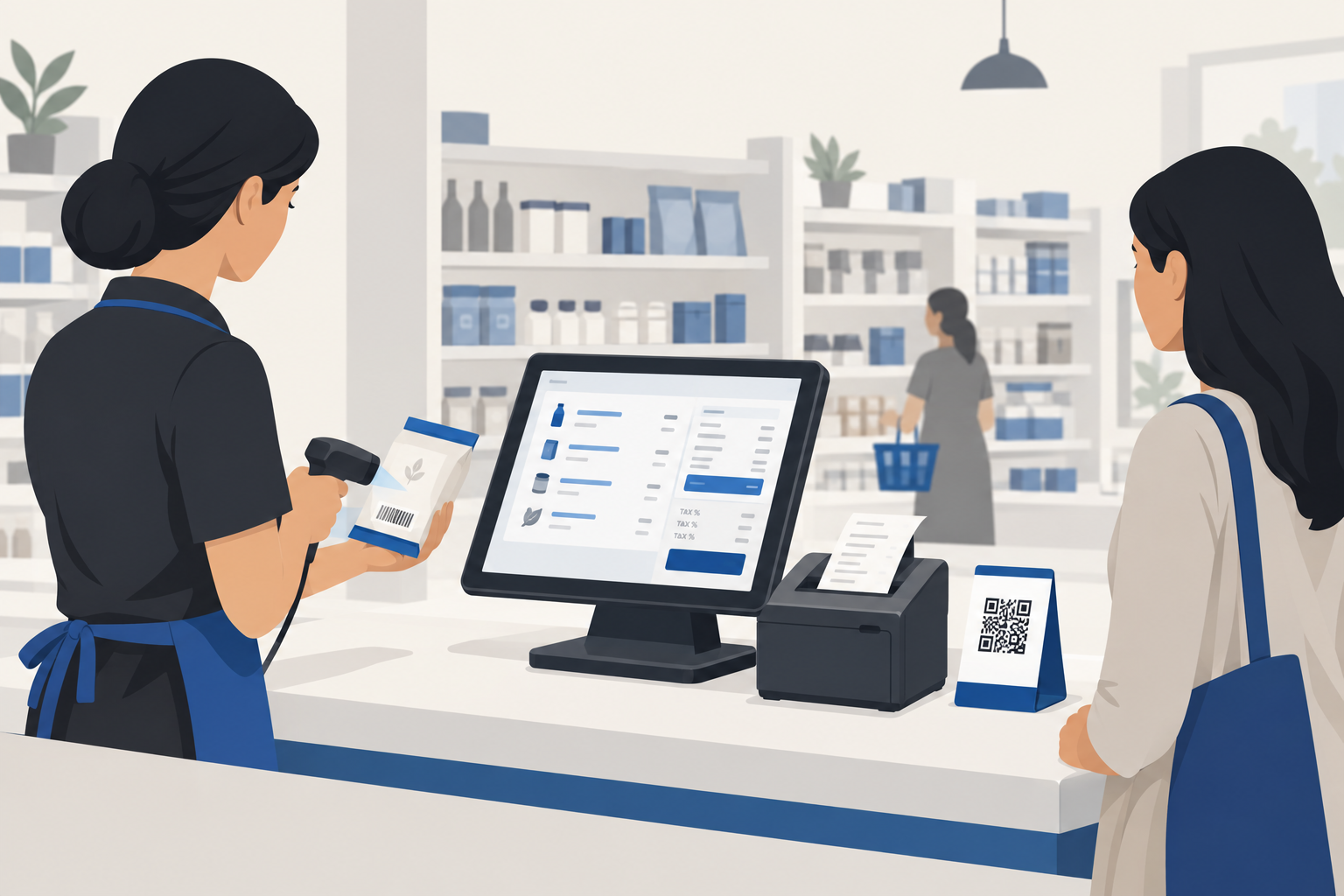
Restaurant billing software (also called a restaurant POS) is an app on a computer, tablet or phone that runs your front counter and kitchen together. A normal shop billing app only makes bills. A restaurant app also handles:
- Orders by table, takeaway or delivery
- KOT (Kitchen Order Ticket) that goes straight to the kitchen printer or screen
- Menu items with options, like half/full plate, extra cheese or less spicy
- Online orders from Zomato, Swiggy and your own website in the same screen
- Bills with GST, discounts, service charge and split payments
- Daily sales reports, item-wise sales and staff-wise sales
In short, it replaces your bill book, your KOT pad and a lot of guesswork.
Why a Shop Billing App Is Not Enough#
Many small restaurants start with a general billing app. It works for a few weeks, then problems start:
- No KOT. Orders are written by hand and the kitchen misreads them.
- No table view. Nobody knows which table has ordered, eaten or is waiting for the bill.
- No modifiers. "Paneer tikka, half, no onion" becomes a note that nobody reads.
- No online order sync. Staff type Zomato and Swiggy orders again by hand, and mistakes creep in.
- No recipe stock. You sell 100 biryanis but have no idea how much rice and chicken you used.
A proper restaurant billing system is built for this flow from order to kitchen to table to bill.

10 Must-Have Features in Restaurant Billing Software#
Do not get lost in long feature lists. These ten matter most for an Indian restaurant, cafe, dhaba or cloud kitchen:
- Fast billing screen. Big buttons, item search and shortcuts. A 5-item bill should take under 20 seconds.
- KOT printing or kitchen display. Each order goes to the right section, for example tandoor, Chinese or bar.
- Table management. A colour map showing free, occupied and bill-pending tables. Moving or merging tables should be one tap.
- Captain or waiter app. Waiters take orders on a phone at the table, so they do not walk to the counter each time.
- Zomato and Swiggy integration. Online orders come into the same screen, print a KOT and update stock. You can also switch items off on both apps at once.
- Correct GST on every bill. 5% for most restaurants, with CGST and SGST split correctly (see the next section).
- Split bills and mixed payments. UPI + cash, or one table paying in three parts.
- Recipe-based inventory. Selling one dish reduces the raw material used in it. Low-stock alerts stop the "sorry, paneer is finished" moment. Read more in our inventory management software guide.
- Offline mode. Billing must not stop when the internet goes down on a busy night.
- Reports on your phone. Today's sales, best-selling items, cancelled KOTs and staff-wise sales, even when you are not at the restaurant.
Bonus: customer data and offers. Saving phone numbers lets you send a birthday offer or a new-menu message later, for example through a WhatsApp chatbot for business.
GST on Restaurant Bills in 2026: What Your Software Must Get Right#
Restaurant GST is simpler than shop GST, but many owners still get it wrong. Here are the current rates in simple words:
| Type of restaurant | GST rate | Input tax credit (ITC) |
|---|---|---|
| Standalone restaurant, cafe, dhaba (AC or non-AC) | 5% | Not available |
| Takeaway and home delivery from such a restaurant | 5% | Not available |
| Cloud kitchen / QSR | 5% | Not available |
| Restaurant in a hotel where no room is priced above ₹7,500 a night | 5% | Not available |
| Restaurant in a hotel with room tariff above ₹7,500 ("specified premises") | 18% | Available |
So for most restaurants, the bill shows 2.5% CGST + 2.5% SGST on food, and the SAC code is 9963.
What this means for your software:
- The 5% rate must apply to the whole bill, including dine-in, takeaway and delivery.
- Packaged items you sell as they are (bottled water, cold drinks, packed snacks) may have their own GST rate. Good software lets you set GST item by item.
- For orders through Zomato and Swiggy, the delivery app collects and pays the 5% GST on those orders. Your software should record these orders separately, so you and your CA do not pay tax twice.
- If you are under the composition scheme, the software should print a "Bill of Supply" without GST shown separately.
Rules can change, so always confirm your own case with your CA. For general GST billing rules, see our GST billing software guide.

Restaurant Billing Software Price in India (2026)#
Prices change often, so here are realistic ranges instead of one number. All prices are approximate and usually plus 18% GST. Always check the vendor's own pricing page.
| Type | Typical cost | Good for |
|---|---|---|
| Free restaurant billing apps | ₹0 | Tea stalls, small takeaways, 1 counter |
| Basic billing apps with restaurant mode | About ₹600 – ₹4,000 a year | Small cafes without KOT or tables |
| Full restaurant POS (KOT, tables, inventory) | About ₹8,000 – ₹15,000 per outlet a year | Most dine-in restaurants |
| Add-ons (Zomato/Swiggy sync, captain app, loyalty) | Often ₹2,000 – ₹10,000 extra a year | Restaurants with delivery and waiters |
| Custom restaurant POS | Usually from ₹1.5 lakh, plus maintenance | Chains, cloud kitchen brands, special workflows |
For example, Petpooja, one of the best-known names in India, is commonly listed at around ₹10,000 per outlet for the first year with a lower renewal. Other names you will see include Vyapar, TMBill, Restroworks (Posist), Gofrugal and Zoho. Each fits a different type of restaurant.
Do not forget hardware. A typical setup needs:
- A billing computer, touch POS or Android tablet
- A thermal printer for bills (and a second one for KOT in the kitchen)
- A cash drawer, and a UPI QR stand or card machine
- A phone for each captain if you use a waiter app
Many restaurants spend about ₹15,000 – ₹50,000 on hardware, depending on how many counters and printers they need.
Ask these questions before you pay:
- Is Zomato and Swiggy integration included, or is it a paid add-on?
- What does a second terminal or captain app cost?
- What is the renewal price from year two?
- Does it work offline? What happens to bills made offline?
- Can I export all my sales and menu data if I leave?
Free vs Paid Restaurant Billing Software#
Free restaurant billing software is fine for a tea stall, juice counter or small takeaway with one person billing.
Move to a paid plan when:
- You have tables and waiters, so you need KOT and a table map
- You take online orders from Zomato, Swiggy or your own website
- You want to track stock of costly items like paneer, chicken and oil
- You need support at 9 pm on a Saturday, not on Monday morning
A good restaurant POS often pays for itself by cutting just a few wrong bills, missed KOTs and stolen items each week.

Ready-Made App or Custom Restaurant POS?#
Choose a ready-made app if you run one or two outlets with a normal menu and a normal flow. It is cheaper, quick to start and updated by the vendor.
Think about a custom system if:
- You run a chain or franchise and need central menu and price control
- You run a cloud kitchen with several brands from one kitchen
- You want your own ordering app or website without paying commission on every order
- Your flow is unusual, for example a canteen with token billing or a hotel with room-service billing
A custom build costs more at the start, but you own the system and do not pay per-outlet fees forever. Our custom software development guide explains when that step makes sense.
How to Choose: 7 Questions to Ask Before You Buy#
- What is my service style? Dine-in, takeaway, delivery, cloud kitchen, or a mix?
- How many counters and kitchen sections do I have? This decides how many printers and terminals you need.
- Do I need Zomato and Swiggy in the same screen? If yes, check this first.
- Can my staff use it in one day? Ask a waiter, not the manager, to try the demo.
- Does it handle my menu? Test half/full portions, add-ons, combos and happy-hour prices.
- Does it work offline? Pull out the internet cable during the demo and make a bill.
- Can I see reports on my phone? You should be able to check today's sales from home.
For a general buying checklist, also read how to choose billing software for your shop.
Common Mistakes Restaurant Owners Make#
- Buying only on price, then paying extra for every add-on later.
- Skipping the KOT printer to save ₹5,000, and losing more in wrong orders.
- Not setting up the menu properly, so reports are useless.
- Letting everyone cancel bills. Give cancel and discount rights only to the owner or manager.
- No data backup or export, so you are stuck with one vendor forever.
- Using the wrong GST rate, such as charging 18% in a standalone restaurant.
How Larwell Can Help#
At Larwell Technologies, we build and support billing and POS systems for restaurants, cafes, shops and distributors in Bokaro, Dhanbad, Ranchi, Jharkhand and across India. Larwell POS gives you GST-ready billing, stock and an online ordering page on one system, so your counter, kitchen and website always agree.
Need something special, like a multi-outlet system or your own food ordering app? We build that too. Tell us how your restaurant works and we will give you an honest suggestion, even if the answer is a free app.
Final Word#
The right restaurant billing software makes the dinner rush calmer. Orders reach the kitchen correctly, bills are right the first time, online orders do not get lost and you can see your sales from anywhere. Start with your service style, test it with your own menu and your own staff, check the GST setup and the add-on prices, and choose a system you can grow with.