Key takeaways
- Speed at the counter matters more than feature count — time one full bill before you buy.
- Insist on a data export you can actually open; it is your only exit route.
- Per-device and per-user pricing is where cheap software stops being cheap.
- If it does not sync stock between your shop and your online store, you will maintain two versions of the truth.
Most shop owners buy billing software twice. The first purchase is made from a feature list. The second is made eighteen months later, after discovering the thing is slow at the counter, the data will not come out, or the price quietly tripled when a second terminal was added.
This is the checklist we wish every buyer had. We build billing software ourselves, which means we know exactly which of these questions are uncomfortable to answer.
Start with the counter, not the feature list#
A billing screen gets used hundreds of times a day by someone who is not you and who is usually in a hurry. Everything else is secondary.
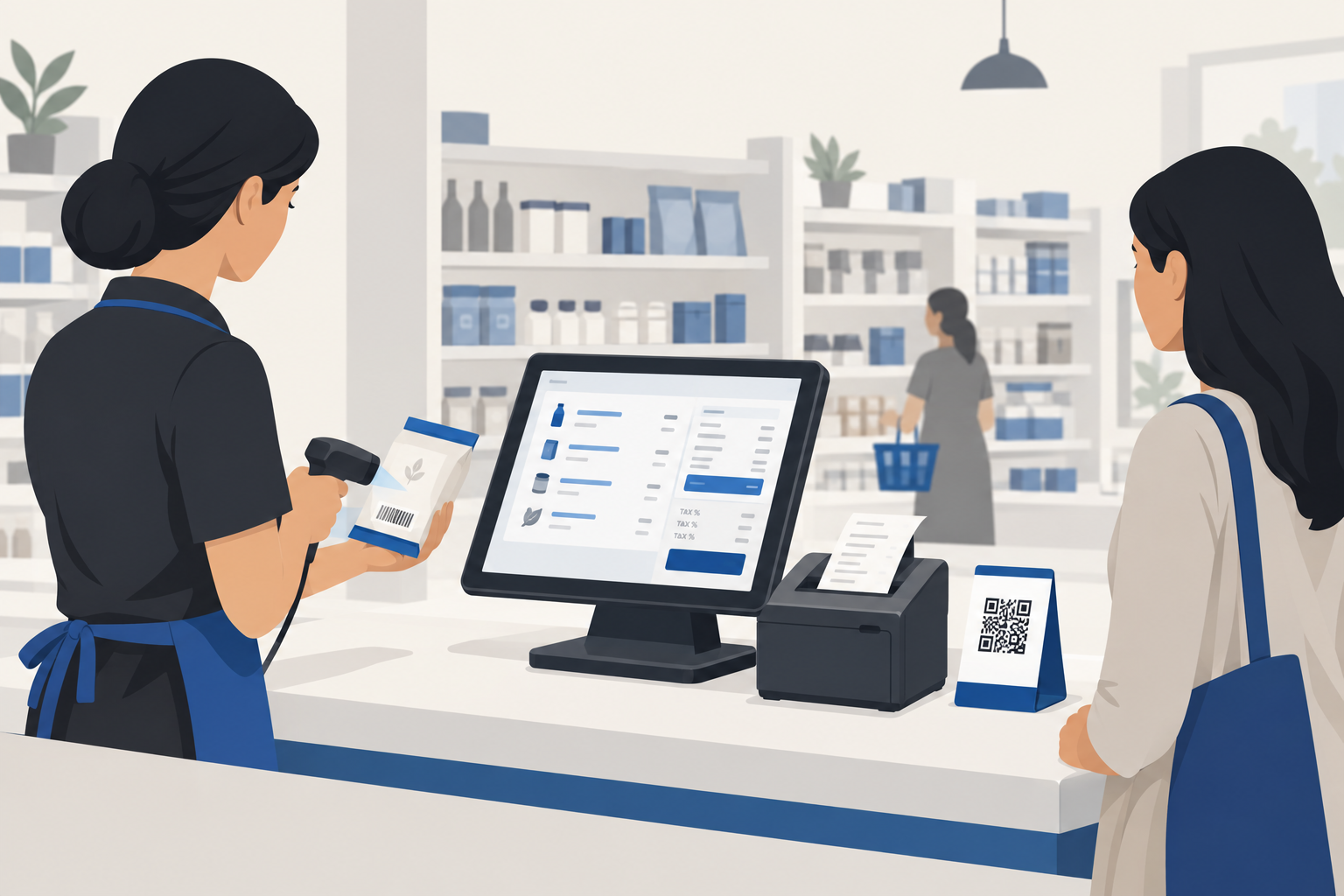
Before comparing features, run this test during any demo: bill a five-item sale with a barcode scanner, apply a discount, take a split payment in cash and UPI, and print the receipt. Time it. Anything over twenty seconds will be resented by your staff inside a week, and resented software gets worked around.
Ask specifically about:
- Keyboard-only operation. Your cashier should never need to reach for a mouse mid-sale.
- Barcode behaviour on an unknown item. Does it halt the whole bill, or let you continue and fix it after?
- Offline billing. What happens when the connection drops halfway through a sale?
Decide how much inventory you actually need#
There is a real difference between stock counting and inventory management, and vendors blur it deliberately.
If you sell packaged goods with clean barcodes, basic stock deduction is enough. If you sell garments with size and colour variants, groceries sold by weight, or anything with batch numbers and expiry dates, you need genuine variant and batch handling. Retrofitting that later means re-entering your entire catalogue by hand.
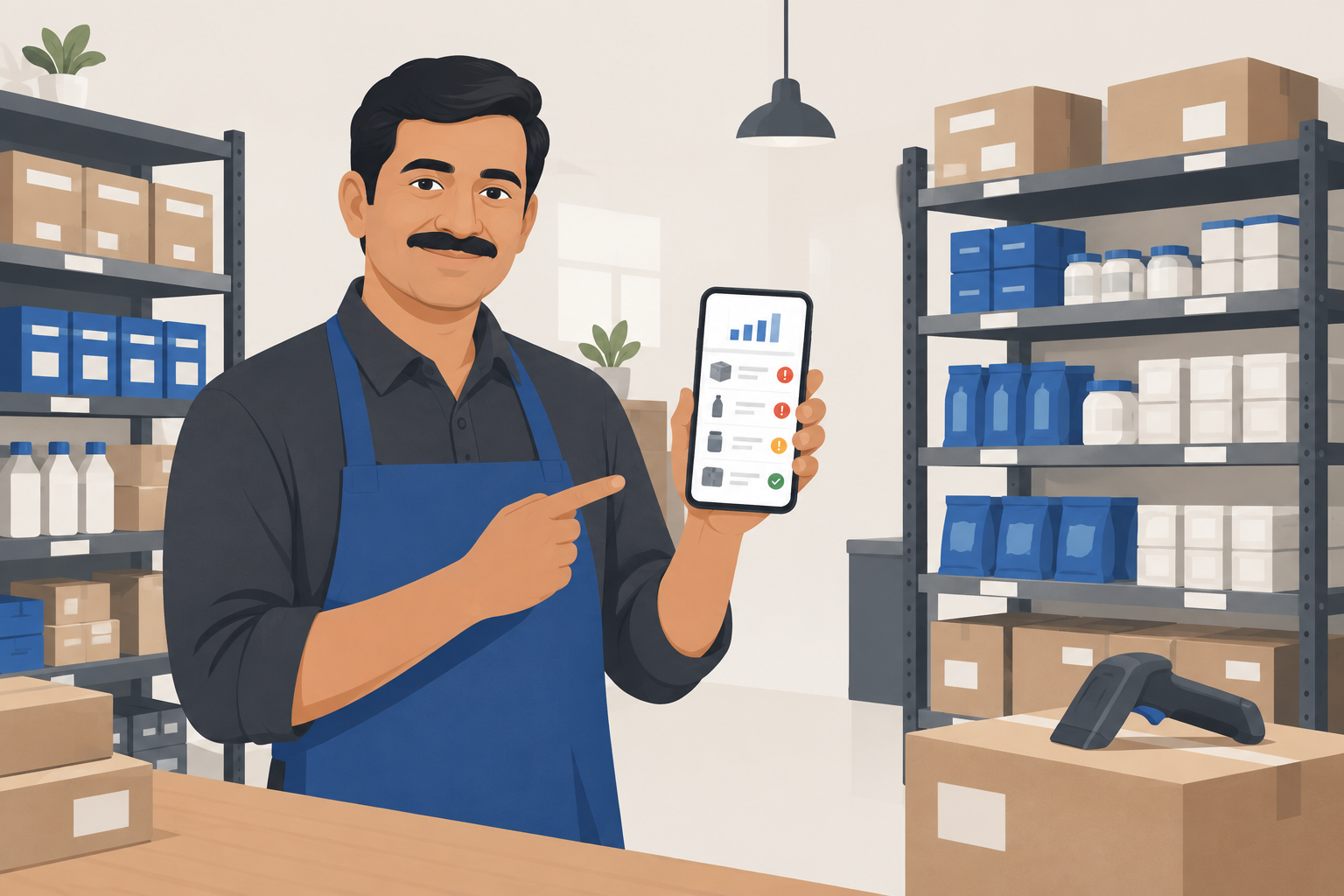
Write down your three most awkward products before any demo, and ask the vendor to add them live, in front of you. How they handle that request tells you more than the brochure.
Take GST seriously, but not fearfully#
Every serious Indian billing product handles GST invoicing, HSN codes and the standard returns. That is table stakes, not a differentiator, and a vendor who treats it as a headline feature is telling on themselves.
What actually varies is the awkward cases: credit notes against an old invoice, mixed tax rates in a single bill, interstate supply, and e-invoicing once your turnover crosses the applicable threshold. Thresholds have been stepping down for several years, so assume you will need e-invoicing eventually and confirm it exists before you need it rather than after.
The five pricing questions vendors dislike#
The headline price is rarely the real price. Ask all five of these, and ask for the answers in writing:
- What does a second billing terminal cost?
- What does an additional user account cost?
- Is the online store included, or a separate subscription?
- What happens to my data if I stop paying — is it readable, or simply gone?
- What is the renewal price in year two?
The fifth question catches the most people. Introductory pricing that doubles on renewal is common enough that you should assume it unless told otherwise in writing.
Insist on an exit before you enter#
This is the single most important paragraph here.
Ask for a full data export — products, customers, invoice history — and actually open the file before you buy.
If the export is a PDF, that is not an export. If it requires raising a support ticket, it will require raising a support ticket on the worst possible day. Software you cannot leave is software that no longer has to earn your business, and vendors know it.
One stock list, not two#
If you sell both at a counter and online, the highest-value feature by a distance is shared inventory.
Two systems means two versions of the truth, and reconciling them falls to whoever is least busy — which in practice is nobody. You find out at the worst moment, when a customer has bought something online that sold out in the shop an hour earlier.
This is exactly why Larwell POS ships the online store attached to the same stock list rather than as a bolt-on: the sync problem is not one we wanted our customers to inherit.
A short buying sequence#
- Shortlist three products that clearly handle your awkward stock cases.
- Demo each with your own products and a real barcode scanner.
- Time a five-item sale on each one.
- Ask the five pricing questions, in writing.
- Request a full data export and open it.
- Buy the fastest one that survives steps four and five.
Feature lists will not separate these products. The counter test and the exit test will.
If you would like a second opinion on a shortlist you have already built, tell us what you sell and we will give you an honest read — including when the answer is that you do not need new software at all.