Key takeaways
- You probably need inventory software once you sell in more than one place or someone else manages your stock.
- Variants, batches and low-stock alerts matter far more than a long feature list.
- Realistic costs range from free apps to around ₹5,000 a month for cloud platforms; custom builds start near ₹1.5 lakh.
- Ask about per-user fees, order limits, add-ons, renewal price and data export before you buy.
Every shop has two kinds of stock problem. There is the stock you cannot find, and the stock you did not know had run out until a customer asked for it. Both cost money, and neither shows up in your accounts until it is too late to fix.
Inventory management software exists to close that gap. But the market in India runs from free phone apps to ERP systems costing lakhs, and most small businesses either buy far too much or far too little. This guide is meant to help you buy the right amount, once.
Do you actually need inventory software yet?#
Not every business does. If you sell fewer than a hundred products, restock from one or two suppliers, and you personally know what is on every shelf, a well-kept register or a simple billing app with stock deduction may be all you need for now.
The signs that you have outgrown that stage are fairly consistent:
- You run out of fast sellers and only find out when a customer asks.
- Dead stock piles up because nobody noticed it stopped moving.
- Your month-end count never matches what the books say, and you cannot explain the difference.
- You sell in more than one place — a counter plus an online store, WhatsApp orders, or a second branch.
- Someone else manages the stock and you have no way to check their numbers without being there.
If two or more of those sound familiar, the software will pay for itself quickly. If none do, spend the money on something else and come back to this later.
Stock counting is not inventory management#
Vendors blur these two deliberately, so it is worth being precise.
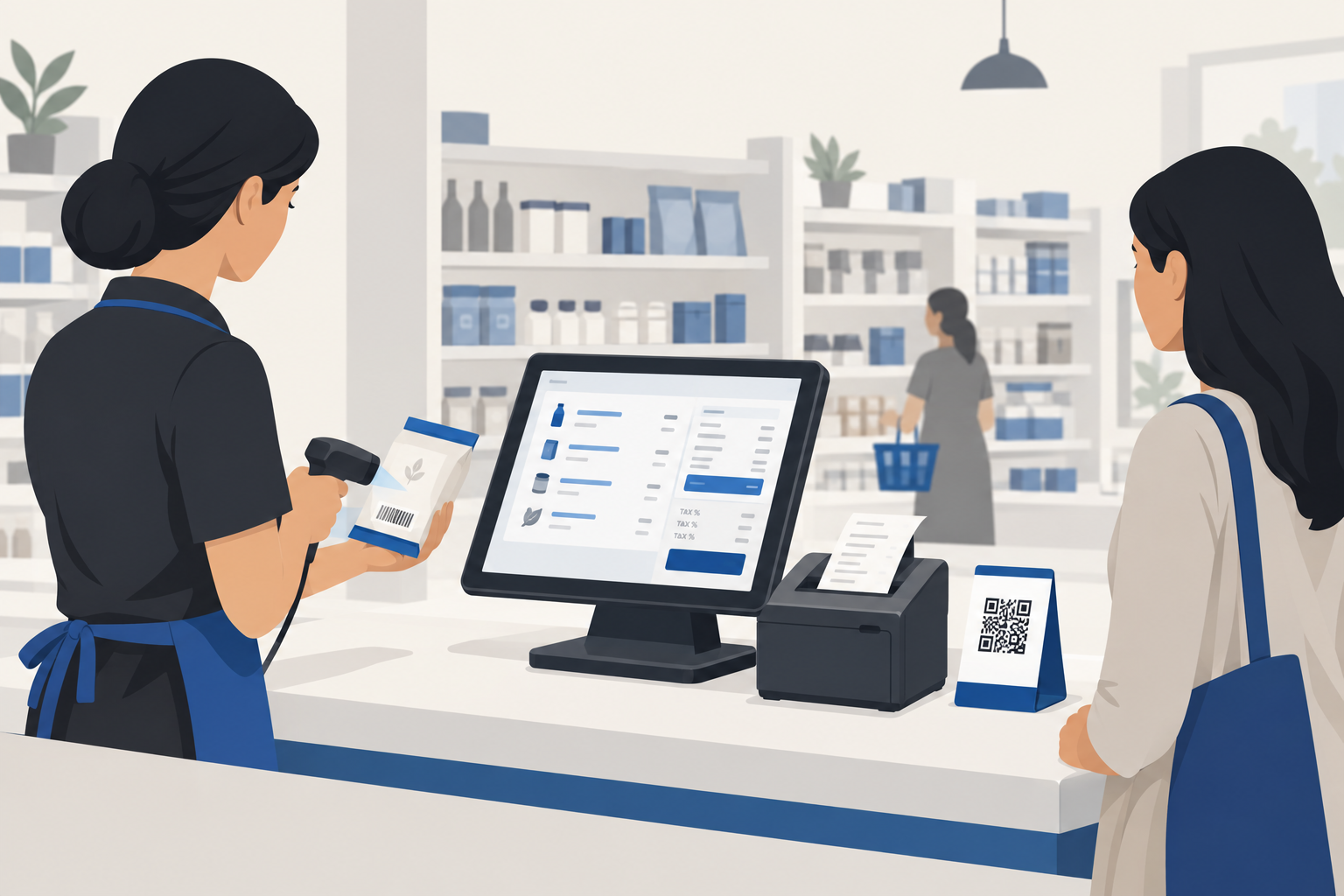
Stock counting deducts an item when you bill it. Most billing apps do this, and for a shop selling packaged goods with clean barcodes, it is often enough. We covered this in our guide to choosing billing software for your shop.
Inventory management goes further. It tracks purchase orders and supplier deliveries, handles stock across more than one location, manages variants (size, colour), batches and expiry dates, warns you before you run out, and tells you which items are tying up cash without selling.
The question is not which one is "better". It is which one matches the awkward parts of your business.
The features that earn their keep#
Feature lists for inventory software run to dozens of items. In our experience building these systems for Indian businesses, these are the ones that make a real difference.
Low-stock alerts with reorder levels. You set a minimum for each item and get told — ideally on WhatsApp or your phone, not just inside the software — when it is crossed. This single feature prevents most lost sales.
Variants and batches done properly. A garment shop needs size and colour. A pharmacy or grocery needs batch numbers and expiry dates. If the software cannot handle your variants natively, you will end up creating hundreds of fake "products", and your reports become useless.
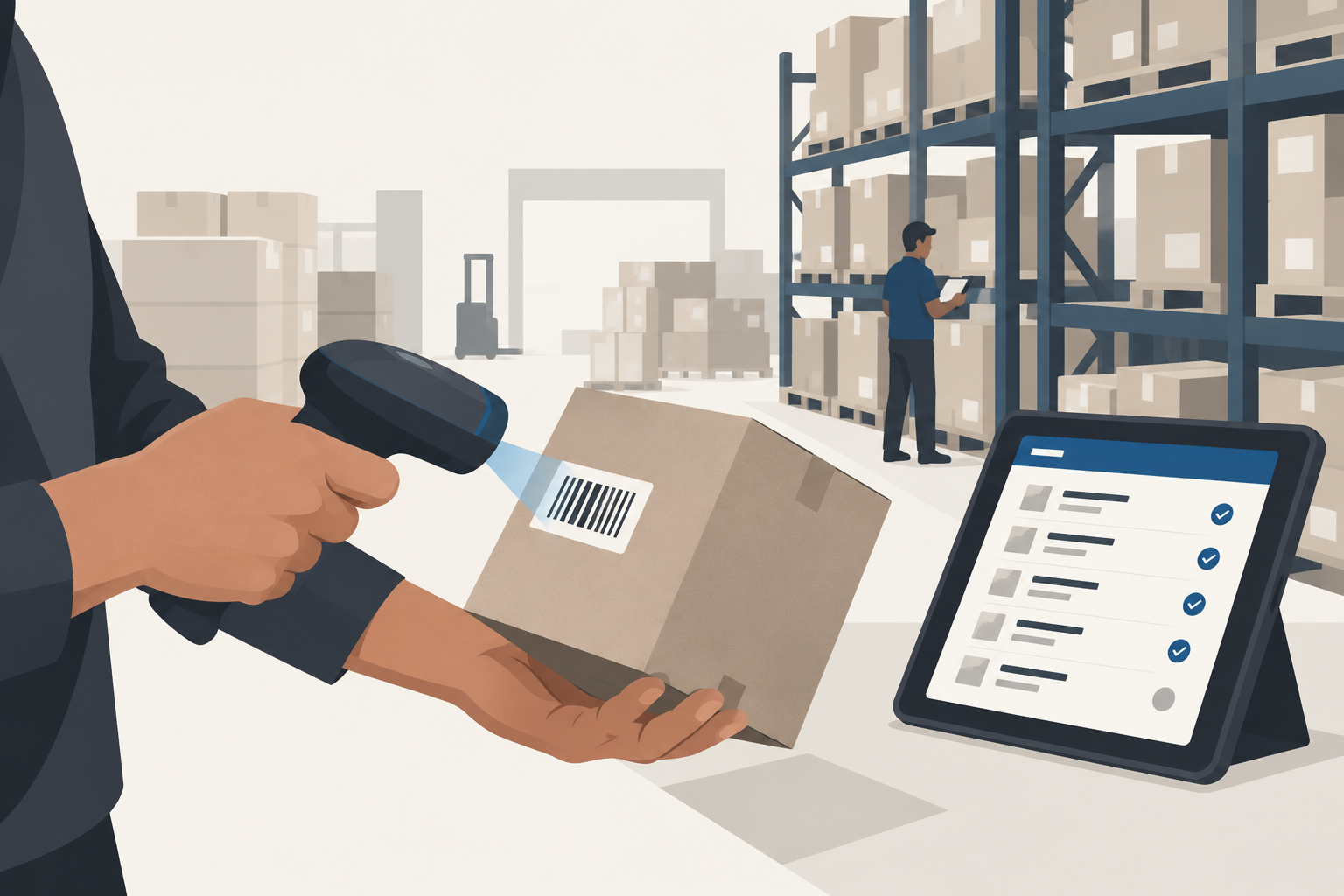
Barcode support in both directions. Scanning at the counter is standard. What matters more is whether you can print your own barcode labels for loose or unbranded items, and do a full stock-take with a scanner or phone camera.
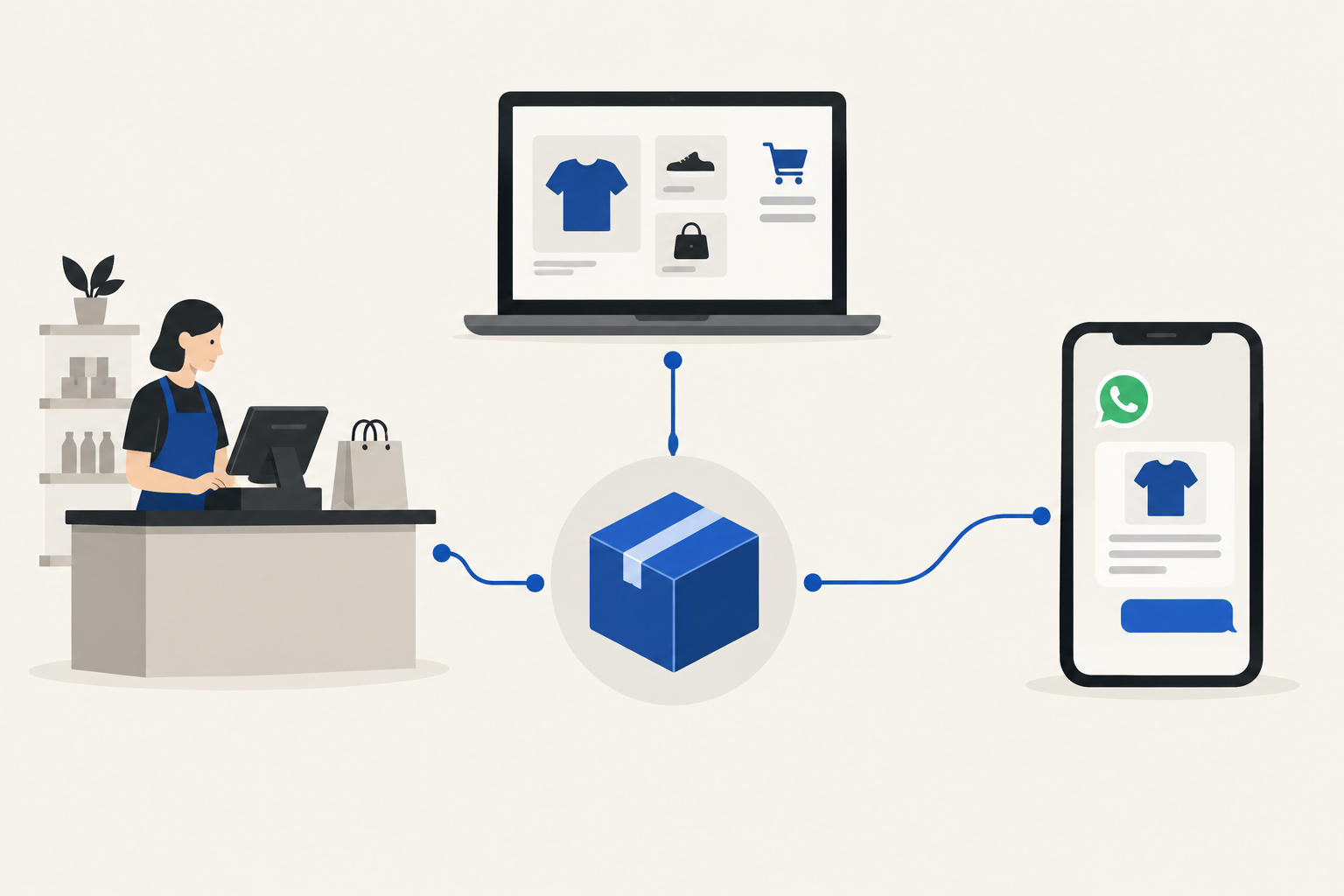
One stock count across every sales channel. If you sell at a counter and online, both must draw from the same number. Two systems mean two versions of the truth, and you find out the hard way when an online customer buys something that sold out in the shop an hour earlier.
Dead stock and ageing reports. A list of items that have not sold in 60 or 90 days. It is the most useful report most shop owners never look at, because their software buries it.
Purchase orders linked to suppliers. So you can see what is on order, what has arrived, and what the supplier still owes you.
What inventory management software costs in India in 2026#
Prices vary widely, so here are the realistic bands rather than one misleading number. All figures are approximate and exclude 18% GST.
| Type | Typical cost | Best for |
|---|---|---|
| Free mobile apps | ₹0 | Very small shops, one user, basic stock deduction |
| Billing apps with inventory | Around ₹3,000–₹5,000 a year | Single shop, GST billing plus stock |
| Cloud inventory platforms | Roughly ₹1,000–₹5,000 a month | Multi-channel sellers, online plus offline, several warehouses |
| One-time desktop licences | From around ₹22,500 one-time, plus renewals for updates | Businesses already running on desktop accounting |
| Custom-built system | Usually ₹1.5 lakh and up, plus annual maintenance | Unusual workflows, manufacturing, multi-branch operations |
For reference, Vyapar's desktop plan runs at about ₹3,399 a year, while Tally Prime Silver costs ₹22,500 as a one-time purchase. Zoho Inventory has a free tier for up to 50 orders a month, with paid plans after that.
The headline price is rarely the real price. Before buying, ask about:
- Per-user charges. Adding a second staff login can double the bill.
- Order or location limits. Many cloud plans cap orders per month or the number of warehouses.
- Integrations. Connecting your online store or WhatsApp is often a paid add-on.
- Renewal pricing. Introductory rates that jump in year two are common.
- Data export. Can you take your full product and stock history with you if you leave?
Off-the-shelf or custom?#
For most small businesses, off-the-shelf software is the right answer. It is cheaper, faster to start, and someone else handles updates.
Custom software makes sense in a narrower set of cases: when you manufacture as well as sell, when stock moves through several stages, when you have branches with transfers between them, or when you have already tried two off-the-shelf products and both forced you into workarounds. We wrote about this decision in more depth in our custom software development guide.
A useful middle path is to start off-the-shelf and keep your data exportable. If you outgrow it, a custom build can import everything you have already recorded.
Where AI is starting to help#
AI features in inventory software are moving from marketing to genuinely useful. The practical ones in 2026 include reorder suggestions based on past sales and season, flagging unusual stock movements that may indicate theft or data-entry errors, and answering plain-language questions like "what did we sell most of last Navratri?"
These are useful but not essential. Get the basics — accurate counts, variants and alerts — right first. If you are curious about where AI fits more broadly, see our guide to AI agents for small business in India.
A simple way to choose#
- Write down your three most awkward products — the ones with sizes, batches, loose weights or expiry dates.
- Shortlist three products that clearly handle those.
- In each demo, ask the vendor to add your awkward products live, in front of you.
- Do a mock stock-take of ten items with a phone or scanner.
- Ask the five pricing questions above, in writing.
- Export the data and open the file before you pay.
The one that survives all six is usually the right choice, whatever its feature list says.
How Larwell can help#
We build and support stock and billing systems for shops, wholesalers and distributors across Jharkhand and beyond. Larwell POS keeps your counter, online store and stock on a single list, and for businesses with unusual workflows, we build custom inventory systems around how you actually work.
If you would like an honest second opinion on what you need — including when the answer is that your current setup is fine — tell us how you sell and we will take a look.