Key takeaways
- ERP software for small business joins billing, stock, purchase, accounts, GST and staff in one system, so you stop typing the same data three times.
- In 2026, TallyPrime Silver costs ₹22,500 one time, Zoho Books has a free plan, and Odoo Standard is about ₹580–₹725 per user per month in India (all before 18% GST).
- The licence is the small cost. Setup, data migration and staff training usually decide whether ERP succeeds.
- If your turnover has crossed ₹5 crore in any year since 2017-18, your ERP must create GST e-invoices.
- Start with two or three modules that fix your biggest pain, then add more.
Most small businesses in India run on four or five separate tools. Billing happens in one app. Stock is in a register or an Excel sheet. Purchase orders go on WhatsApp. Accounts sit with the CA, who gets a pen drive at the end of the month. Salary is calculated by hand.
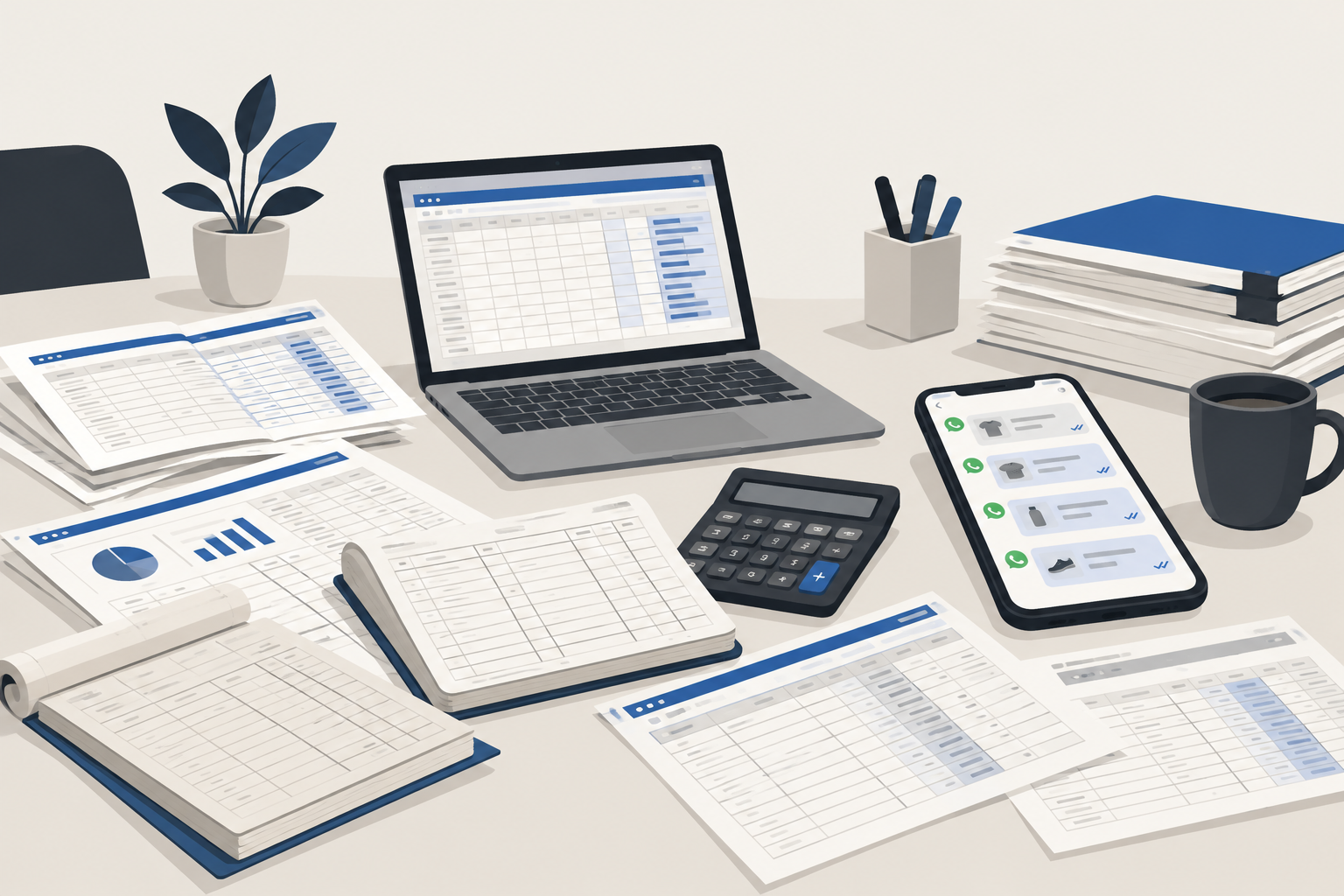
Each tool works on its own. The trouble starts in the gaps between them. Stock shows 40 pieces but the shelf has 12. A customer paid, but nobody marked it. GST returns take three days because sales and purchase data do not match.
ERP software for small business is built to close those gaps. This guide explains what it is in simple words, what it really costs in India in 2026, and how to choose one that your team will actually use.
What is ERP software, in simple words?#
ERP stands for Enterprise Resource Planning. Ignore the big name. For a small business, it simply means one system where all your main work is recorded once and seen by everyone who needs it.
When a sale is billed in an ERP:
- stock goes down automatically,
- the sale goes into your accounts,
- GST is calculated and saved for your return,
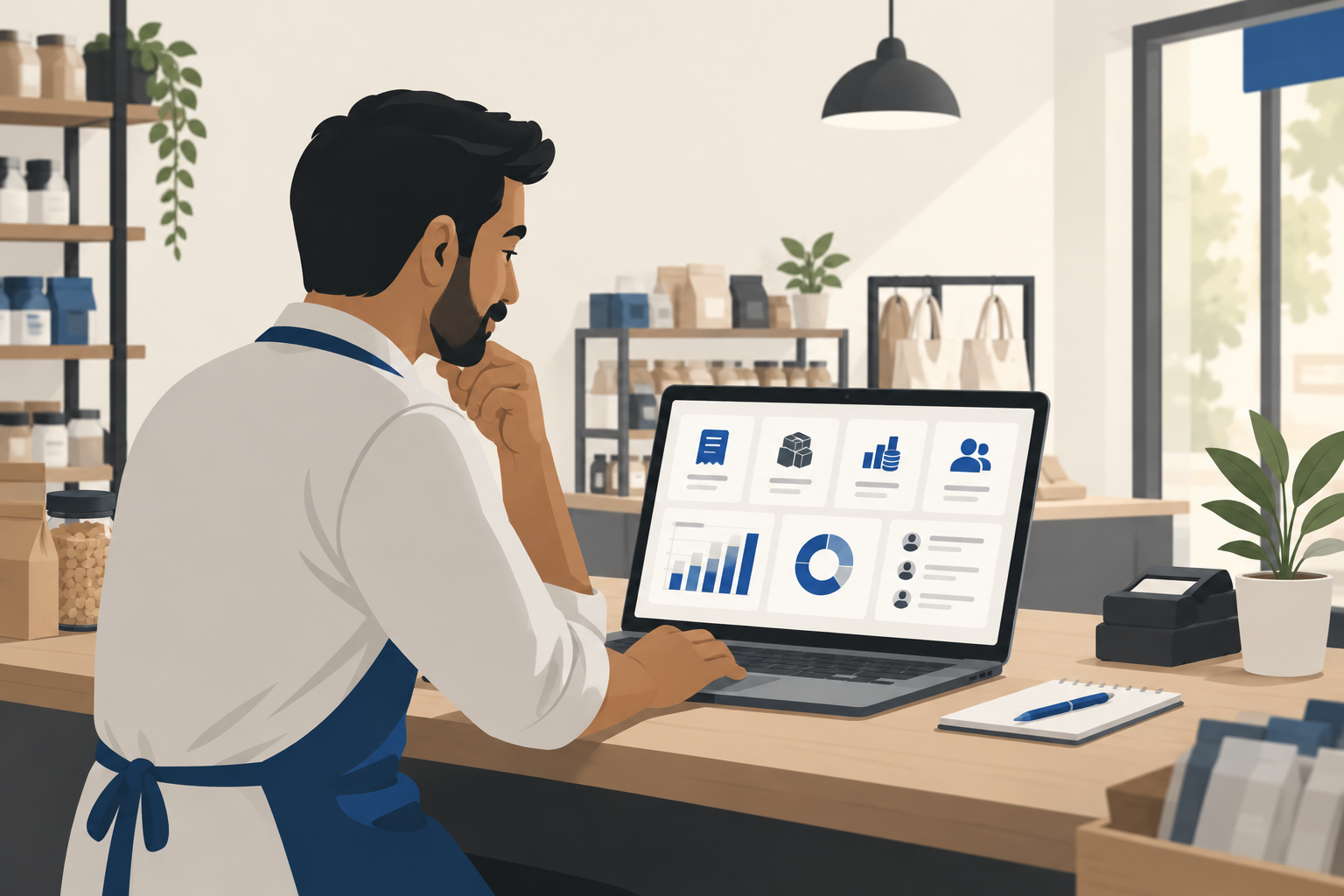
- and the owner sees it on the dashboard, even from home.
Nobody types the same entry twice. That is the whole idea.
7 signs your business is ready for ERP#
You do not need ERP just because you are growing. You need it when the gaps start costing money. Check how many of these sound familiar:
- Stock never matches. The system says one number, the godown says another.
- The same data is typed two or three times — in billing, in Excel and again by the accountant.
- Month-end closing takes days, not hours.
- You cannot answer simple questions quickly, like "Which product made the most profit last month?"
- You have more than one location — a shop and a godown, or two branches.
- Staff depend on one person who "knows where everything is".
- GST filing is stressful because sales and purchase records do not agree.
If three or more are true, an ERP will likely pay for itself. If only one is true, a better billing software or inventory management software may be enough for now.
ERP vs accounting software vs billing software#
This is where most people get confused, so here is a simple comparison.
| Billing software | Accounting software | ERP software | |
|---|---|---|---|
| Main job | Make bills fast at the counter | Keep books, ledgers, GST | Run the whole business in one place |
| Stock | Basic | Basic to good | Full: multiple godowns, batches, reorder |
| Purchase & vendors | Rarely | Partly | Yes, with purchase orders and approvals |
| Staff, payroll, CRM | No | Rarely | Yes, as add-on modules |
| Best for | Single shop | Shop + CA workflow | Growing business with many moving parts |
Many Indian businesses already use TallyPrime or Zoho Books. These are strong accounting tools with inventory built in, and for many small firms they are "ERP enough". A full ERP like Odoo or ERPNext goes further, with manufacturing, CRM, HR and approvals.
Core modules a small business actually needs#
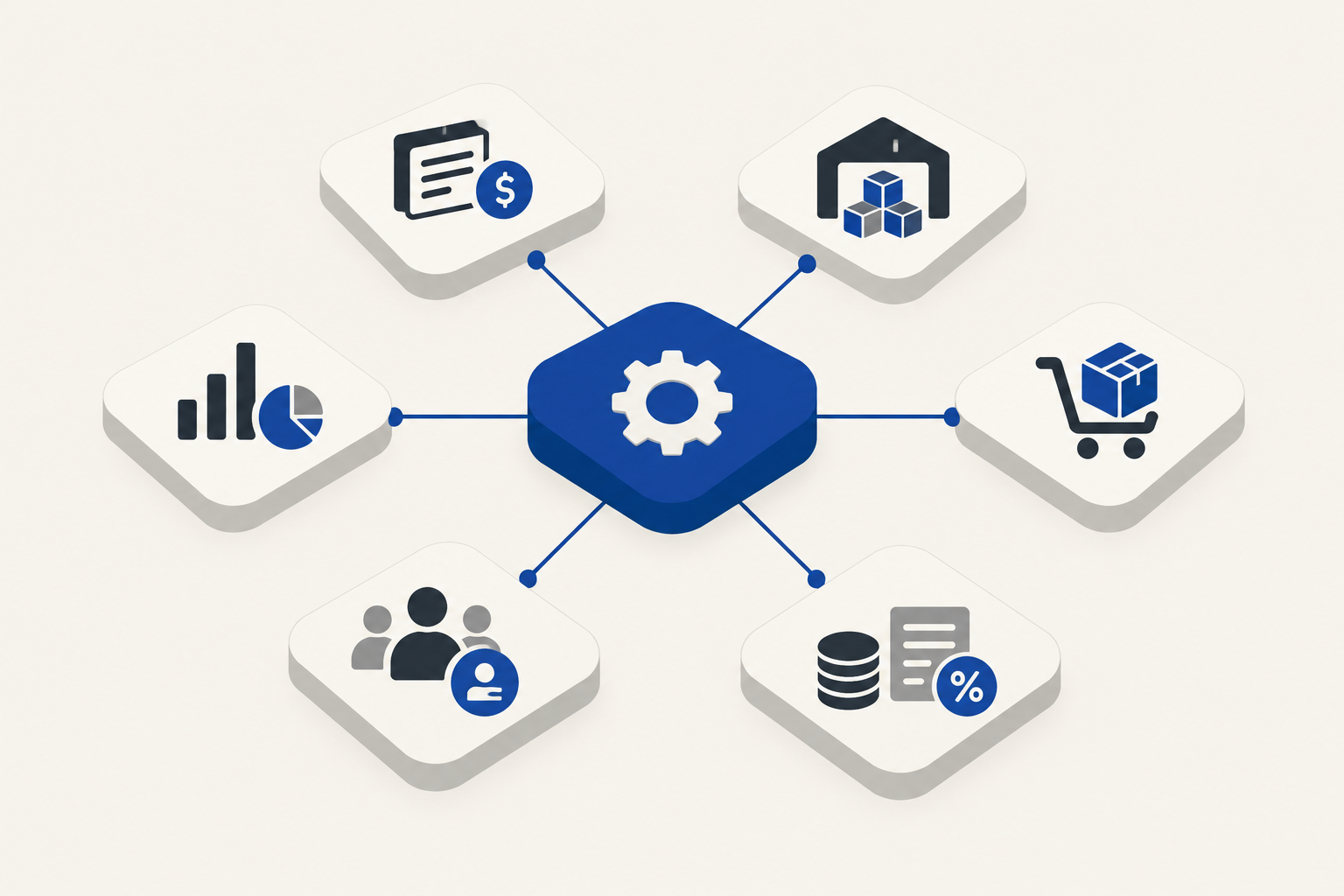
ERP systems come with 20 or 30 modules. You do not need most of them. For a typical small business, these six do almost all the work:
- Sales and billing — quotations, GST invoices, credit notes, payment tracking.
- Inventory — stock in each location, low-stock alerts, batch and expiry if you need it.
- Purchase — purchase orders, vendor bills, what is pending to receive.
- Accounts and GST — ledgers, bank reconciliation, GSTR-1 and GSTR-3B data, e-invoices and e-way bills.
- Staff and payroll — attendance, salary, PF/ESI if applicable.
- Reports and dashboard — sales, profit, receivables and stock value at a glance.
Manufacturing (bill of materials, job work), CRM and a customer app can come later.
ERP software price in India: 2026 numbers#
Here are real starting prices for popular options. All prices are before 18% GST and can change, so always check the vendor's own page before you pay.
| Software | Type | Starting price (2026) | Good for |
|---|---|---|---|
| TallyPrime Silver | Desktop, one-time licence | ₹22,500 one time + ₹4,500/year for updates from year 2 | Single-user accounting with stock |
| TallyPrime Gold | Desktop, multi-user on office network | ₹67,500 one time + ₹13,500/year | Small team in one office |
| Zoho Books | Cloud subscription | Free plan for small turnover; paid plans from under ₹1,000/month per organisation | Cloud accounting, GST, mobile access |
| Odoo (Standard) | Cloud, per user | About ₹580–₹725 per user per month, billed yearly | Full ERP with many apps |
| Odoo Community / ERPNext | Open source, self-hosted | Free licence; you pay for hosting, setup and support | Businesses with a tech partner |
| Custom ERP | Built for you | One-time project cost + yearly maintenance | Unusual workflows no product fits |
A few points to note:
- Tally says its one-time licence includes the first year of updates. After that, renewing updates matters, because GST rules keep changing. Without them, your software can fall behind on compliance.
- Tally Gold works across your office network. True multi-branch working needs Tally Server, which costs about ₹2.7 lakh.
- Odoo pricing in India is per user. It looks small at first but grows as you add staff.
The 5-year view (5 users)#
Prices per month hide the real cost. Here is a rough 5-year licence comparison for a 5-person team, before GST:
- TallyPrime Gold: ₹67,500 + 4 years × ₹13,500 = about ₹1.2 lakh
- Zoho Books Professional (about ₹1,499/month, 5 users included): about ₹90,000
- Odoo Standard at ₹725 × 5 users × 60 months: about ₹2.2 lakh, plus setup
These are licence costs only. Setup and training come on top.
The hidden costs nobody quotes#
The licence is usually the smallest part of an ERP project. Budget for these too:
- Setup and configuration — creating items, tax rates, price lists, users and approval rules. For Odoo, small-business setups in India are often quoted between about ₹90,000 and ₹2.75 lakh, depending on modules.
- Data migration — moving old customers, items, opening stock and balances. Dirty data takes the longest.
- Training — staff who are not trained will go back to the old register within a month.
- Customisation — a special invoice format or a custom report costs extra.
- Yearly support (AMC) — often 15–20% of the setup cost every year.
- Hardware and internet — barcode scanners, printers and a reliable connection for cloud ERP.
Ask every vendor to write all six of these in the quote. If they will not, that tells you something.
GST e-invoicing: a must-check in 2026#
If your business has crossed ₹5 crore aggregate turnover in any year since 2017-18, you must create GST e-invoices with an IRN for B2B sales. This rule has been in force since 1 August 2023 and still applies in 2026. Even if your turnover falls later, the rule keeps applying.
If your turnover is ₹10 crore or more, there is one more rule: since 1 April 2025, you must report invoices to the invoice portal within 30 days. After that, the portal will not accept them.
So before buying any ERP, ask:
- Does it create e-invoices and e-way bills directly, without exporting to Excel?
- Does it update quickly when GST rules change?
- Can my CA get the reports they need without calling me?
How to choose the best ERP software for your small business#
Follow these steps in order. They will save you months.
- Write down your top 3 problems. Not features — problems. "Stock never matches" is better than "need inventory module".
- Count your users and locations. This decides whether per-user cloud pricing or a one-time licence is cheaper for you.
- Shortlist two or three options, not ten.
- Ask for a demo using your own data — your real items, your real invoice. Generic demos always look good.
- Check mobile access. Can you see sales and stock from your phone?
- Check who will support you locally. A good local partner matters more than a famous brand.
- Ask about exit. Can you export all your data in Excel if you leave?
A simple rollout plan that works#
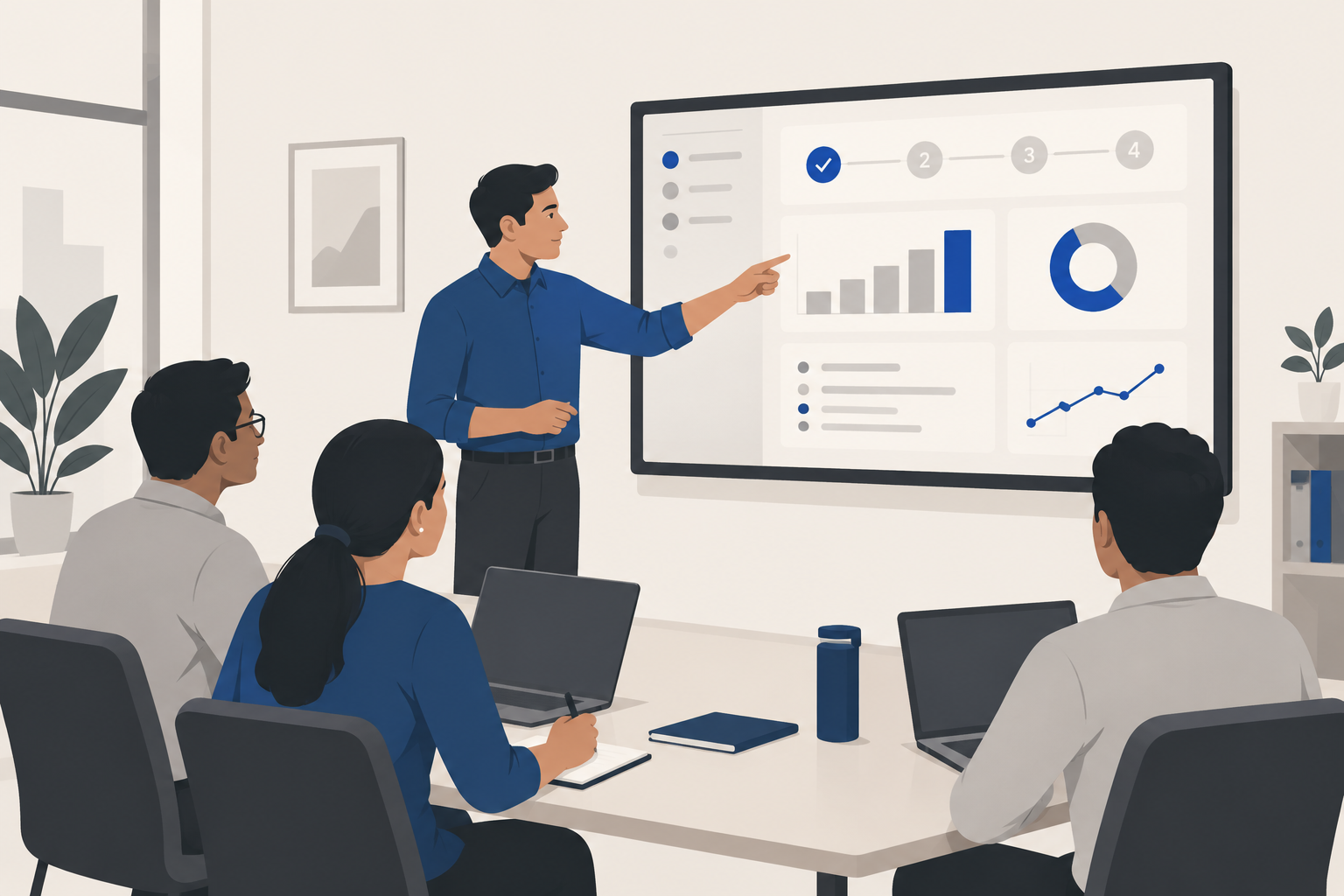
Most ERP projects fail because they try to do everything on day one. Do this instead:
- Week 1–2: Clean your item list and customer list. Set up billing and stock only.
- Week 3–4: Run the new system and the old one side by side. Compare daily.
- Month 2: Add purchase and accounts. Let your CA check the first month's GST data.
- Month 3 onwards: Add payroll, CRM or reports, one at a time.
Name one person inside your business as the ERP owner. They answer staff questions and make sure entries are done on time.
When does a custom ERP make sense?#
Ready-made ERP fits most businesses. A custom system makes sense only when:
- your workflow is truly unusual (for example, a special job-work or rental process),
- you are paying for many apps and still using Excel to join them,
- or you need ERP connected to your own website, customer app or WhatsApp.
If that sounds like you, read our guide on custom software development service in India to understand costs and timelines first.
Need help choosing?#
At Larwell Technologies, we help small businesses in Jharkhand and across India set up billing, inventory and business software that their staff actually use — from ready-made POS and billing to fully custom systems. If you want an honest opinion on what fits your business, send us an enquiry and we will reply with a clear plan and price.