Key takeaways
- Google AI Mode writes one AI answer at the top of search and mentions only a few businesses — if you are not in it, many customers won't see you
- AI Mode is live across India in English, Hindi and seven more Indian languages, and people now ask longer, full questions
- Google says there are no special requirements or secret tricks to appear in AI Mode — good SEO basics still work
- Answer real customer questions, show price ranges, build full service pages and keep your Google Business Profile updated
- Use the free Generative AI report in Google Search Console to see how often your pages appear in AI answers
Many business owners in India are noticing the same thing this year. Their website is still there. Their Google ranking looks fine. But fewer people are calling from Google.
The reason is simple. Google now answers many questions by itself, using AI, before it shows any website links. This is called Google AI Mode. If your business is not part of that AI answer, many customers will never see you.
This guide explains Google AI Mode SEO in simple words. No technical language. Just what changed, and what you should do about it.
What is Google AI Mode?#
Earlier, when you searched on Google, you got a list of 10 blue links. You clicked one and read the website.
Now, for many searches, Google reads many websites for you and writes one answer at the top. Under that answer, it shows a few links to the websites it used. That is AI Mode (and its smaller version, AI Overviews).
Here is a simple example. A person in Ranchi types:
"Which company can make a billing app for my medical store, and how much will it cost?"
Earlier, they would open five websites and compare. Now Google's AI does the comparing and gives one answer, with 2 or 3 businesses mentioned. If your business is one of them, you get the enquiry. If not, you are invisible.
Why this matters so much in India#
AI Mode is not a small experiment any more. Here is how fast it grew in India:
- June 2025: Google launched AI Mode in India, first as a test.
- July 2025: It opened for everyone in India.
- September 2025: It started working in Hindi.
- October 2025: Seven more Indian languages were added, including Bengali, Marathi and Tamil. Google also launched Search Live, where people can talk to Google or point their phone camera at something and ask questions.
- May 2026: At its I/O event, Google said AI Mode had crossed 1 billion users a month worldwide.
Google also says people ask AI Mode questions that are about three times longer than normal searches. People no longer type "web designer Bokaro". They ask full questions, like they are talking to a friend. Your website needs to answer those full questions.
Good news: you don't need special tricks#
Many agencies are now selling "AI SEO" or "GEO" (Generative Engine Optimisation) as a new, expensive service. Be careful.
Google has clearly said that there are no extra requirements to appear in AI Mode or AI Overviews. You don't need special code, AI text files or special markup. The same good SEO basics still work.
To be picked by AI Mode, your page must simply:
- Be indexed on Google (Google must know your page exists)
- Be allowed to show a snippet (a short preview) in search results
- Have useful, clear content that answers real questions
So the work is not magic. It is doing the basics properly, which most small business websites still don't do.
7 simple steps for Google AI Mode SEO#
1. Answer the real questions your customers ask#
Write down 20 questions your customers ask on the phone or at the counter. For example:
- "How much does it cost?"
- "How many days will it take?"
- "Do you give service in Dhanbad?"
- "What is the difference between X and Y?"
Now make sure your website answers each one clearly. AI picks websites that give direct, honest answers. A good FAQ section on every service page is one of the easiest ways to do this.
2. Put your prices (or price range) on the website#
Most Indian business websites hide prices and say "Contact us for price." But "how much does it cost" is one of the most common questions people ask AI. If your page gives a clear price range, the AI has something to quote. If you give nothing, it will quote your competitor.
3. Make your service pages full, not thin#
A page with only a name, a photo and two lines tells Google almost nothing. Each main service or product should have its own page that explains:
- What it is and who it is for
- What is included
- Price range and time taken
- Where you provide it (your city and nearby areas)
- A real example or past project
4. Keep your Google Business Profile updated#
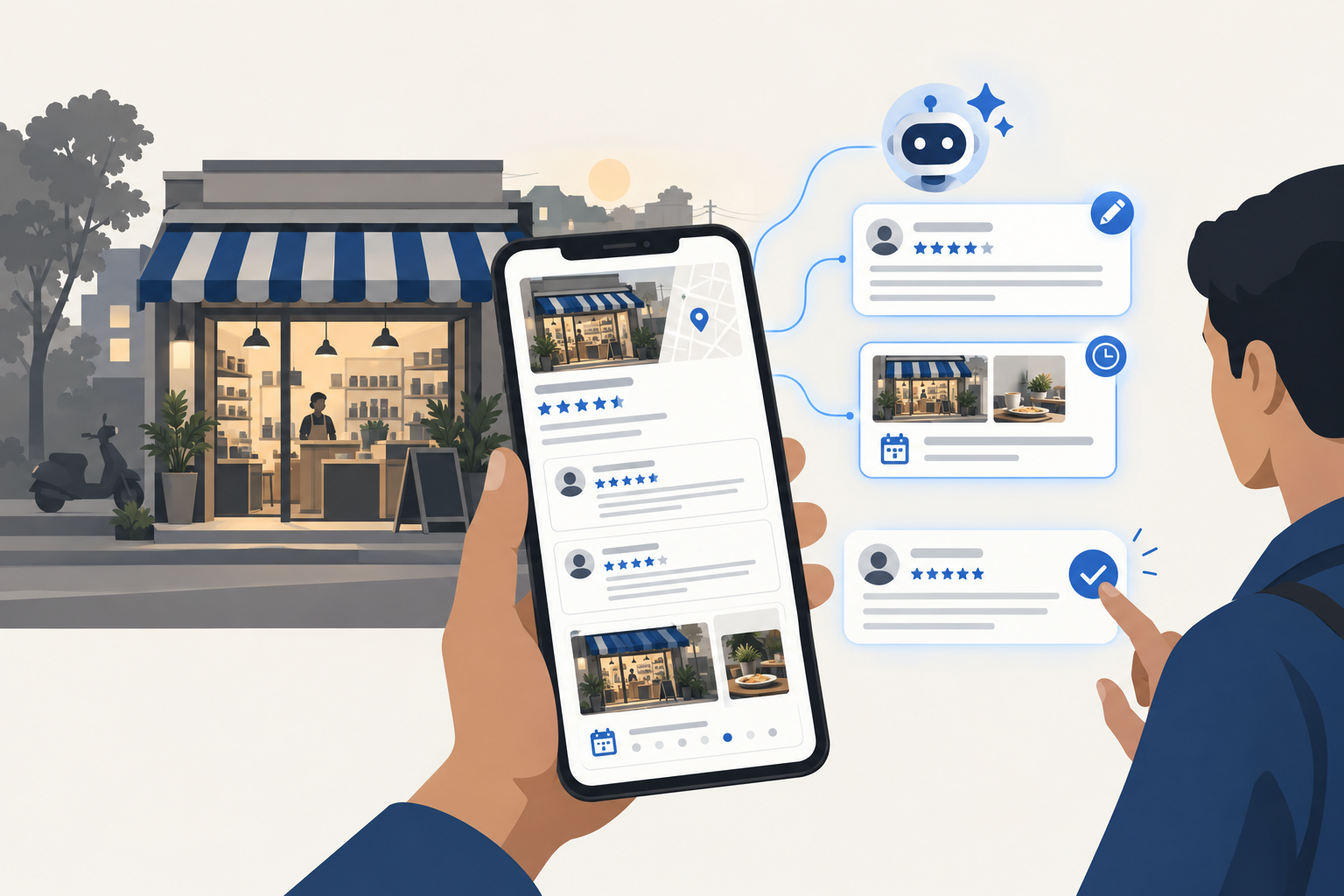
Google's own guide says to keep your Business Profile information up to date. For local searches, AI Mode reads your listing: your hours, services, photos and customer reviews. An old or empty listing hurts you. Our guide on the AI agent for Google My Business shows how to keep it active without daily effort.
5. Keep your business details the same everywhere#
Your business name, address, phone number and services should be exactly the same on your website, Google listing, Facebook, Instagram, JustDial, IndiaMART and anywhere else. When the details match, the AI trusts that your business is real.
6. Write in the language your customers use#
Search now works in Hindi and many other Indian languages. If most of your customers speak Hindi, a few important pages in Hindi can help you get picked when people ask questions in Hindi. Simple words work better than heavy English.
7. Fix the technical basics#
These are small things, but they decide whether Google can read your site at all:
- The website must open fast on a mobile phone
- Important information must be written as text, not only inside images or PDFs
- Pages should link to each other (for example, your blog links to your service pages)
- Google must be allowed to crawl your site (a web developer can check this in 5 minutes)
- If you use schema markup, it must match what is written on the page
How to check if AI Mode is sending you visitors#
Use Google Search Console. It is free.
Since August 2026, Search Console has a new Generative AI report for all websites. It shows how often your pages appear inside AI answers, like AI Overviews and AI Mode. Check it once a month.
Also look at the quality of visitors, not just the number. Google says that people who click through from AI answers usually spend more time on the website. You may get fewer visitors, but better ones who are ready to buy.
Common mistakes to avoid#
- Stuffing keywords. Writing "best website company in Bokaro" 20 times makes the page worse, not better.
- Copying AI-written content without checking. Generic AI text with no real experience is easy to ignore. Add your own examples, prices and photos.
- Paying for "secret" AI SEO tricks. Google has said no special trick is needed. Spend money on better pages instead.
- Ignoring old pages. Update prices, dates and details at least once a year.
Need help with Google AI Mode SEO?#
At Larwell Technologies, we build and fix websites for businesses in Bokaro Steel City, Ranchi, Dhanbad, Jamshedpur and across India. We can check your website and Google listing, and tell you in simple words what is stopping Google's AI from recommending you.
If your website is old or very thin, read our guide on how to choose a website design company in Bokaro or see what an online store costs in our ecommerce website development cost guide.
Google AI Mode SEO is not about tricks. It is about having a clear, honest, complete website that answers your customers' questions better than anyone else. Do that, and Google's AI will have a reason to recommend you.